Restaurant Menus USA: Browse Menus With Photos and Prices
MenuInUSA is a free guide to restaurant menus across the United States. Pick a restaurant, and you land on its full menu, sorted into plain categories with item photos and prices. Four menus are live today, Taco Bell, Starbucks, Wendy's and Chick-fil-A, with 217 guides and 441 menu items between them. More chains are added one at a time.
MenuInUSA is independent and has no link to the brands it covers. Use the search box to find an item, or tap a menu card to start.
- 4 menus live
- 217 guides
- 441 items with photos



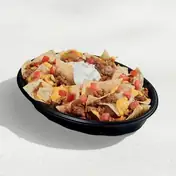 55 guides · 94 itemsOpen menu →Menu 2StarbucksCoffee, Frappuccinos, tea, Refreshers and food

 78 guides · 158 itemsOpen menu →Menu 3Wendy'sBurgers, chicken, Frosty, breakfast and Biggie deals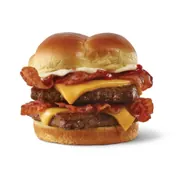

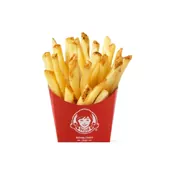 44 guides · 119 itemsOpen menu →Menu 4Chick-fil-ASandwiches, nuggets, waffle fries, breakfast and shakes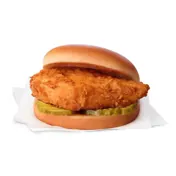
 40 guides · 70 itemsOpen menu →
Fast Food Menus and Coffee Shop Menus You Can Browse Now
Each menu below opens a hub page. The hub shows every category with a short intro and photo cards, and each category links to a deeper page on one topic, such as breakfast, drinks or sizes. Start with the hub when you want the big picture. Open a category page when you want detail.
Taco Bell Menu: Tacos, Burritos, Breakfast and Combos
The Taco Bell menu is built around tacos, burritos, Crunchwraps, nachos and combos, plus a breakfast lineup and a drink case of freezes and Baja Blast. The category rail and the picks below jump straight to the part you want. Open Taco Bell prices when cost is the question, and the Taco Bell value menu when you want the lowest starting prices. Planning a group order? The Taco Bell boxes and combos page lays out the bundles.

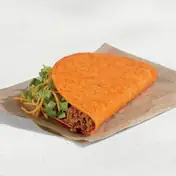




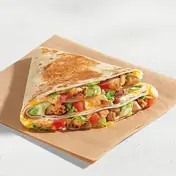
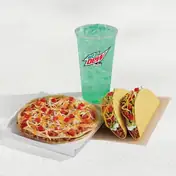
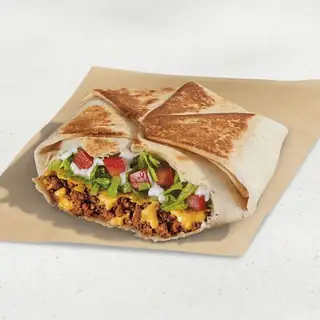 Crunchwrap Supreme®from $8.53
 Mexican Pizzafrom $8.53
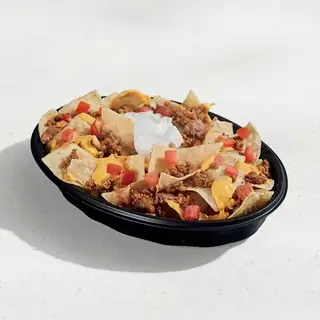 Nachos BellGrande®from $9.63
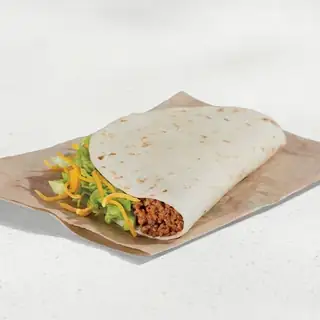 Soft Tacofrom $2.67
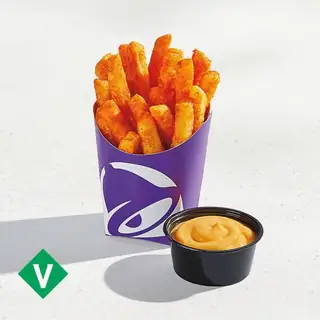 Nacho Friesfrom $3.65
 Pretty Pink Baja Blast®from $3.89
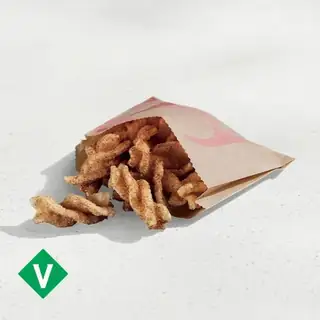 Cinnamon Twistsfrom $2.31
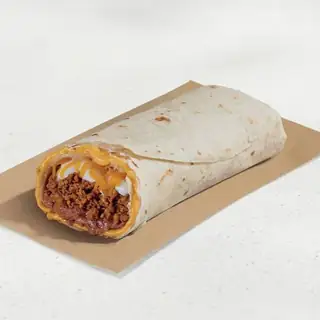 Beefy 5-Layer Burritofrom $6.09
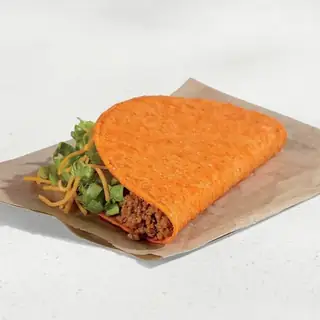 Nacho Cheese Doritos® Locos Tacosfrom $3.65
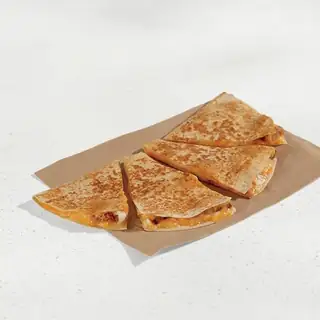 Chicken Quesadillafrom $8.53
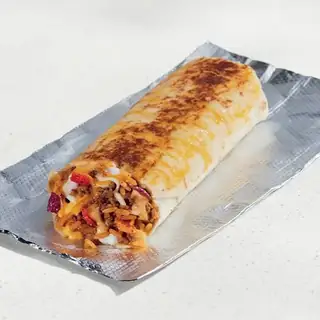 Grilled Cheese Burritofrom $7.67
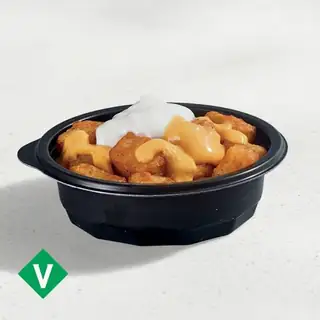 Cheesy Fiesta Potatoesfrom $3.28
Starbucks Menu: Coffee, Frappuccinos, Tea and Food
The Starbucks menu covers hot and iced coffee, Frappuccinos, Refreshers, tea, matcha and chai, plus a food case of breakfast sandwiches, pastries and lunch. Seasonal drinks have their own pages because the lineup changes through the year. Read Starbucks sizes before you order, and open the Starbucks menu with prices page for a cost overview. If a drink name confuses you, the Starbucks drinks page explains the building blocks.









 Pumpkin Spice Lattefrom $7.25
 Caramel Ribbon Crunch Frappuccino® Blended Beveragefrom $7.15
 Pink Drinkfrom $6.15
 Dragon Drink®from $6.15
 Cold Brewfrom $5.55
 Chai Lattefrom $5.65
 Matcha Lattefrom $6.05
 Chocolate Croissantfrom $5.55
 Bacon, Gouda & Egg Sandwichfrom $6.75
 Caramel Protein Lattefrom $7.25
 Mocha Frappuccino® Blended Beveragefrom $6.75
 Iced Matcha Lattefrom $6.15
Wendy's Menu: Burgers, Chicken, Frosty and Breakfast
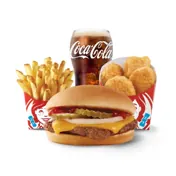
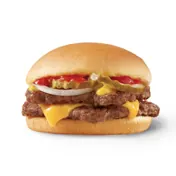
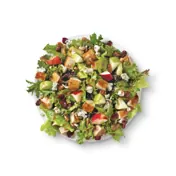
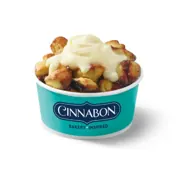
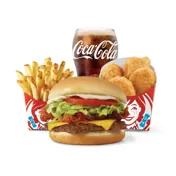
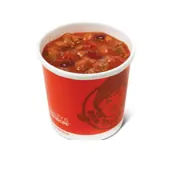
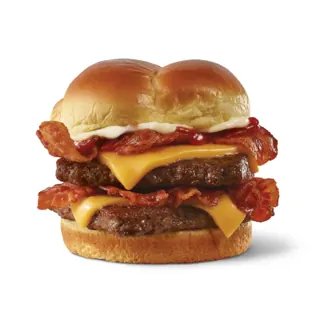
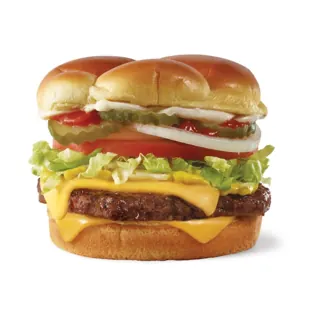
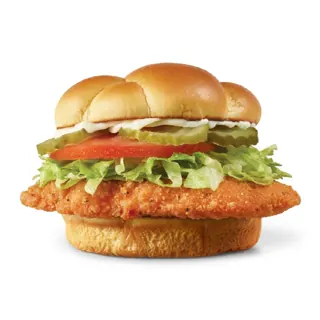
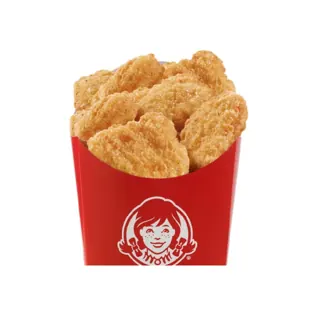
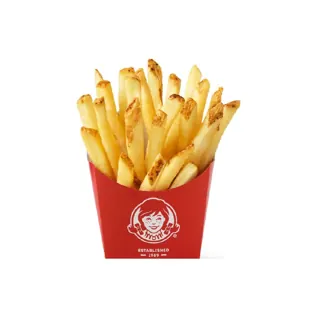
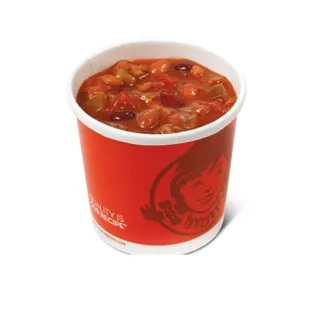
The Wendy's menu is built around fresh beef burgers, chicken sandwiches and nuggets, fries, chili, baked potatoes and the Frosty, plus a breakfast lineup and the Biggie Bag deals. Each category has its own page. Open Wendy's menu prices when cost is the question, read the Wendy's value menu for the lowest starting prices, and see the Biggie Bag page for the bundle deals.


Chick-fil-A Menu: Sandwiches, Nuggets, Waffle Fries and Breakfast
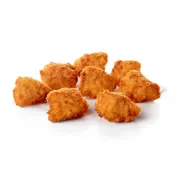
The Chick-fil-A menu is built around the chicken sandwich, nuggets and strips, waffle fries, salads, breakfast biscuits, lemonade and shakes. Each category has its own page. Open Chick-fil-A menu prices when cost is the question, read the Chick-fil-A sauces guide to pick a dip, and see the Chick-fil-A catering page for trays and boxed meals.
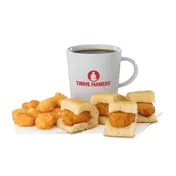
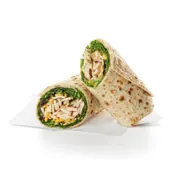
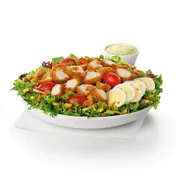
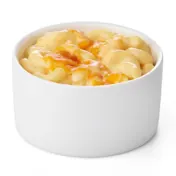

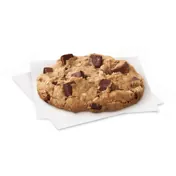

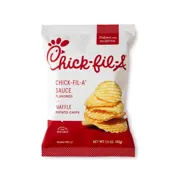
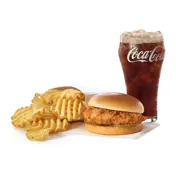
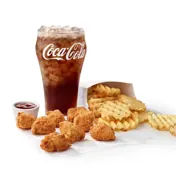
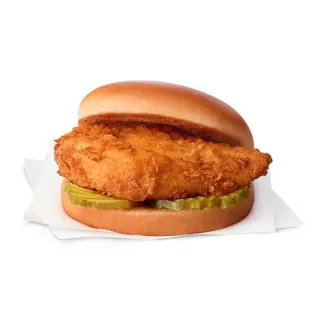 Chick-fil-A® Chicken Sandwichfrom $7.89
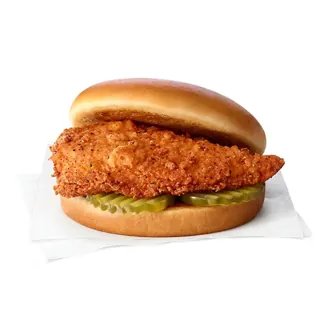 Spicy Chicken Sandwichfrom $8.45
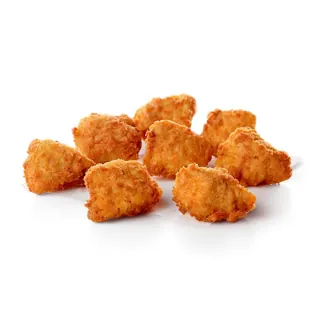 Chick-fil-A® Nuggetsfrom $7.99
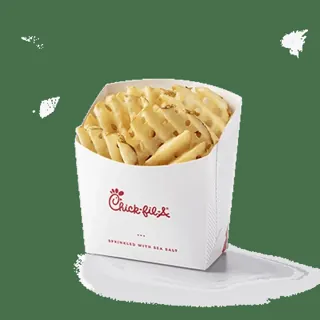 Chick-fil-A Waffle Potato Fries®from $4.09
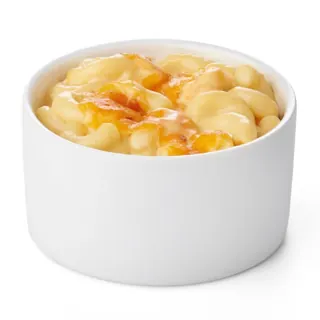 Mac & Cheesefrom $6.19
 Chick-fil-A® Lemonadefrom $4.09
 Frosted Lemonadefrom $6.75
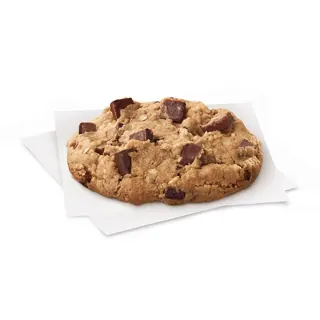 Chocolate Chunk Cookiefrom $2.59
How This Guide to Restaurant Menus Works
Every brand on MenuInUSA follows the same plan. A hub page covers the whole menu. Category pages go deeper on one topic. Item pages are added only when an item has enough to say, like a signature drink or a famous burrito.
An Online Restaurant Menu, Sorted for Quick Reading
A printed menu board shows everything at once, and that is hard to scan on a phone. A menu on a screen works better when it is split into small groups you can open one at a time. That is how each hub is built here. You see the categories first, then a few photo cards, then a link to the full page for that group.
Each card shows the item name, a photo and a starting price. Tap the category link, and you get more items, the differences between similar ones, and answers to the questions people ask most.
Menu Prices Explained
The numbers on cards are delivery app starting prices, shown with a plus sign. The plus sign means the final cost can rise with the size you pick, the extras you add and the store you order from. A store sets its own prices, and a delivery app often adds a markup on top. Restaurant menu prices also move over time, so a number you saw last month may be a little different today.
Use the numbers to compare items on the same menu. They are good for judging which item costs more than another, and for rough budgeting. For your exact total, check the cart in the restaurant app or the delivery app before you pay.
Find the Right Menu Page Fast
Most people arrive with one question. These are the quickest routes for the questions that come up the most.
- You want breakfastOpen the Taco Bell breakfast menu the Starbucks breakfast menu the Wendy's breakfast menu or the Chick-fil-A breakfast menu.
- You want the cheapest optionsTry the Taco Bell value menu , the Wendy's value menu or the Starbucks cheapest drinks section on the Starbucks prices page.
- You want something newSee new Taco Bell items, new Starbucks drinks or new Wendy's items or new Chick-fil-A items.
- You want caloriesOpen Taco Bell nutrition and calories, Starbucks nutrition and calories or Wendy's nutrition and calories.
- You want a hidden orderThe Taco Bell secret menu, the Starbucks secret menu and the Wendy's secret menu and the Chick-fil-A secret menu list the popular custom orders.
- You eat vegetarian, vegan or gluten freeCheck the Taco Bell vegetarian menu, the Taco Bell vegan menu, the Starbucks gluten free page and the Wendy's gluten free page and the Chick-fil-A gluten free page.
What You Get on Every Menu Page
Each page on this site is written to answer one question well, in plain words. Here is what you can expect when you open one.
Photos, Names and Starting Prices
Items appear as cards with a photo, the item name and a starting price. Similar items sit next to each other, so you can compare a regular size with a combo, or a hot drink with its iced version.
Short Guides Before the Details
Every category opens with a short intro that explains what the group is and who it suits. After that, you get the items, then the extra detail, such as sizes, ingredients, customizations and seasonal notes.
Answers to Common Questions
Each page ends with a set of questions people ask about that topic. The answers are short and written in everyday language, so you can read them in a minute.
Links to the Next Step
Pages link to related ones. A drink page links to sizes. A breakfast page links to the breakfast sandwiches. A hub links to every category. You never reach a dead end.
Tips for Reading Any Menu Before You Order
A few habits save time on every menu, whatever the brand.
- Start with the category, not the item.If you know you want a drink, open the drink group first, then narrow by hot, iced or blended. If you want a meal, start with combos or boxes, because the price already includes a side and a drink.
- Compare the same size.A small item at a low price can cost more per bite than a bigger one, so look at the size label before you judge a price.
- Read the extras.Toppings, syrups, cold foam and sauces can add to the total even when the base price looks low.
- Check the store.The same item can show a different price from one store to the next, and some stores skip limited-time items. When a detail matters, such as an allergy, confirm it in the restaurant app.
Where the Menu Details Come From
Item names, photos and starting prices come from public delivery app menus, and the guides add context on top. Calorie and caffeine figures, where they appear, come from third-party sources and are worded with care, because they can differ by size and by store. When a fact cannot be confirmed, the page says the detail varies instead of guessing.
A restaurant menu changes more often than most people expect. Limited-time items arrive and leave, and some stores skip a launch. Treat each page as a guide and confirm the final choice in the restaurant app before you order.
You will also notice what is missing. There are no star ratings or reviews here, and nothing on a page asks you to call or fill in a form. MenuInUSA is a place to read a menu, compare items and decide.
More Restaurants Are Coming
Taco Bell, Starbucks, Wendy's and Chick-fil-A are the first four menus, built one brand at a time. Each new restaurant menu gets the same treatment: a hub page, category pages, photo cards and a full set of answers. This page will show every new menu as soon as it goes live. Until then, the search box and the four menu cards above cover everything that is published.
Frequently Asked Questions About MenuInUSA
Are the prices on MenuInUSA the same as in the restaurant?
Not always. The prices shown are delivery app starting prices. A store sets its own prices, and a delivery app can add a markup, so in-store prices are often lower. Use the numbers to compare items, then check your total at checkout.
Which restaurants are on MenuInUSA right now?
Four menus are live: Taco Bell, Starbucks, Wendy's and Chick-fil-A. Together they cover 217 guides and 441 menu items. More restaurants are added one at a time, and this page updates when a new menu goes live.
Is MenuInUSA connected to Taco Bell, Starbucks, Wendy's or Chick-fil-A?
No. MenuInUSA is an independent guide. It is not affiliated with, endorsed by or sponsored by any restaurant it covers. Brand names and product names belong to their owners.
Can I order food on this site?
No. MenuInUSA does not take orders or payments. It helps you read a menu, compare items and plan what to get. You place the order in the restaurant app, at the counter or through a delivery app.
Why does a price have a plus sign?
The plus sign marks a starting price. The final cost can go up with a bigger size, extra toppings, add-ons or a different store. Combos and boxes also start at one price and rise with the drink or side you choose.
How do I find calories and ingredients?
Open the nutrition page for the brand. The Taco Bell nutrition and calories and Taco Bell ingredients pages cover Taco Bell. The Starbucks nutrition and calories page covers Starbucks. Figures can differ by size and by store.
Do these menus match every store in the USA?
Menus are close across the country, but stores can differ. Some skip a limited-time item, and some change what they carry. Check the restaurant app for your store before you go.
Does MenuInUSA cover restaurants outside the United States?
No. The guides are written for the United States. Menus, names and prices in other countries often differ.
How do I use the search box?
Type an item or a topic, such as "pink drink" or "breakfast burrito". The results show the menu page that covers it, with the brand and a starting price when the result is an item. Tap a result to open that page.